
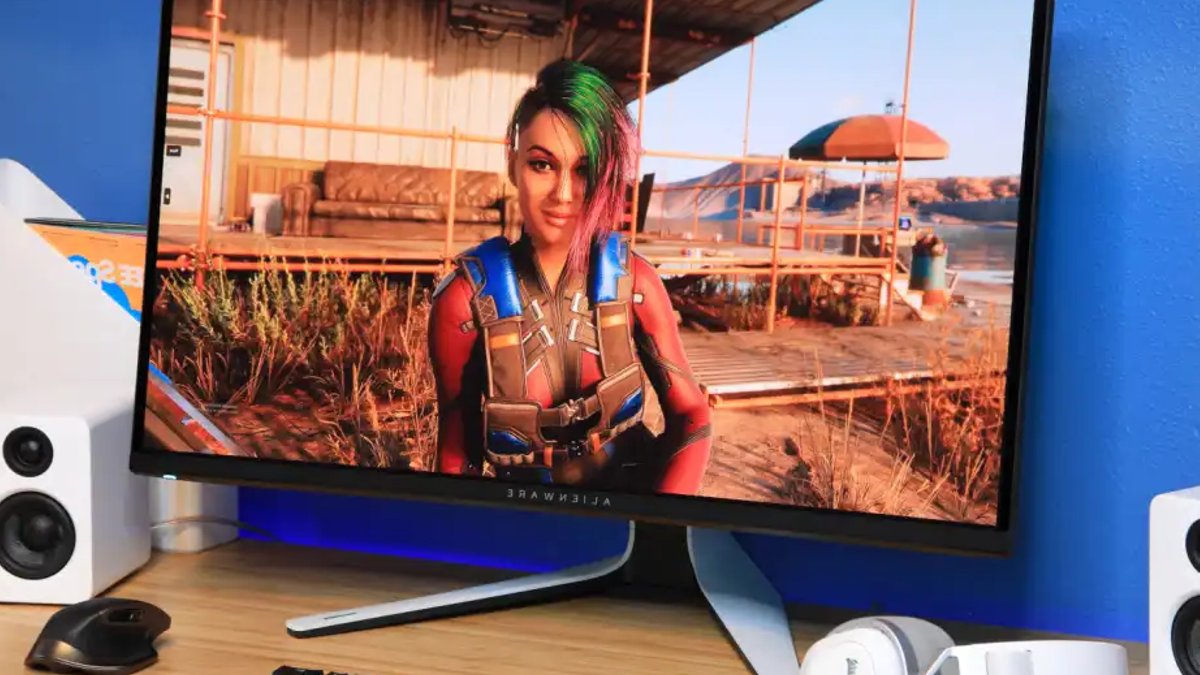
Lowering a 240Hz monitor to 120Hz often feels like a bad idea. It is easy to assume that doubling the refresh rate is essential for a good experience, especially when buying high-end hardware. But real-world testing suggests that for many users, the jump from 120Hz to 240Hz offers diminishing returns, particularly when power efficiency is considered.
The author recently switched from a 10-year-old Asus MG279Q to a new Alienware AW3225QF. The upgrade brought better resolution and color, but the 240Hz refresh rate was the main attraction. After using the high-speed display for a week, the decision was made to cap the frame rate at 120Hz to test if the difference was actually noticeable.
Game selection played a huge role in the results. Titles like Cyberpunk 2077, which are too demanding to run at high frame rates, were removed from the test. The focus shifted to esports titles and lighter indie games to see how the lower refresh rate performed in high-speed scenarios.
Related: Asus mouse has long battery life
Testing varied by genre. In Rocket League, the change was imperceptible. The car felt just as responsive, and motion clarity remained consistent. This was surprising, as Rocket League is often cited as a game that benefits from high refresh rates.
Overwatch and Doom Eternal showed more visual differences. At 240Hz, motion clarity was better during rapid turns. However, once the action picked up, the responsiveness felt the same. The author noted that without extensive competitive experience, the bottleneck in performance was likely their own reaction time rather than the display technology.
Even in a fast-paced title like TMNT: Shredder’s Revenge, the difference was minimal. A sidescroller like Streets of Rage 4 offered no change at all, since it is locked to a 60 FPS refresh rate.
Related: China’s RAM Boom Hurts Cheap PC Users
While the visual experience was mixed, the power savings were substantial. The RX 7900 XTX graphics card drew over 300W when running at 240Hz, with fans spinning near 2600 RPM. Dropping to 120Hz in lightweight games like Thronefall reduced power draw to just over 100W and cut fan speed to around 1500 RPM.
Even in heavier titles like Overwatch, cutting the refresh rate shaved about 80W off the power consumption and 300 RPM off the fan speed. In Doom Eternal, the power draw remained similar, but the fan noise decreased by roughly 200 RPM. During a heat wave with an ambient office temperature of 79°F, the reduction in heat and noise made for a much more pleasant gaming environment.
For single-player gamers or those playing casually, the benefits of a 240Hz display are not as clear. While a competitive player might need every frame to win, the average user likely will not notice the loss of fluidity. The reduction in power consumption, heat generation, and noise makes a strong case for prioritizing efficiency over the highest possible refresh rate. This approach can save money and hardware stress without significantly impacting the experience for most people.