
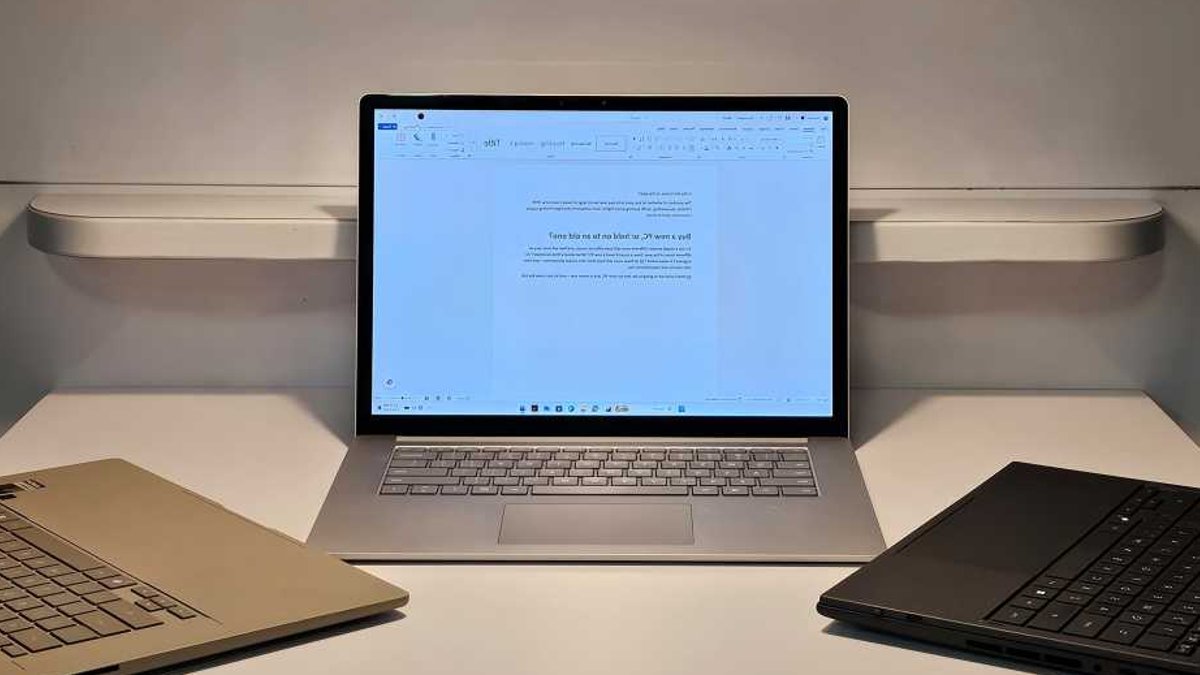
The seven-year-old Microsoft Surface Laptop 3 still boots faster than most new laptops released this year.
In a recent test, the 2019 device outperformed two 2026 models: the Asus ZenBook with a Snapdragon X2 Elite chip and the Asus ZenBook Duo with Intel’s Core Ultra 300 “Panther Lake” processor. The older laptop averaged 10 seconds faster from cold boot to a usable Windows desktop than its modern counterparts.
The test that broke expectations
The Surface Laptop 3 performed well in everyday tasks. It handled app launches, browser tab switching, and document drafting without major issues. Minor delays appeared occasionally, but nothing severe enough to disrupt typical use, especially for light workloads.
The gap became noticeable in repetitive tasks. Exporting a PDF took 26 seconds on the older device compared to 11 on the new ones. Formatting an Excel table required nearly 3 seconds, while the newer models completed the same task in 0.4 seconds. These differences matter for users who rely on spreadsheets daily, as small delays accumulate over time.
Most operating systems depend on single-core performance for responsiveness. The Surface Laptop 3 lagged in this area. For now, the older hardware feels slower in ways that benchmarks confirm, though not always in ways users notice during routine work.
A key observation emerged during testing: much of the argument for upgrades hinges on tasks most people rarely perform. Compressing files five times faster may seem useful, but it’s not critical. The tech industry presents speed as essential, but the test indicated it’s often optional.
Related: Roku raises prices amid memory chip shortage
Limitations of older devices
The primary advantage of new laptops isn’t speed—it’s battery life. The Surface Laptop 3 originally promised 10 hours of use, but after 70 charge cycles, its capacity declined. That now translates to about 8 hours of real-world use.
Storage and RAM also become constraints over time. The test unit had 16GB of memory, which kept operations smooth, but the 256GB SSD filled up quickly when attempting a Windows reset. Models with 8GB of RAM or smaller drives would face greater challenges, particularly with modern software demands.
Graphics performance highlights another divide. The ZenBook Duo showed significantly better graphics performance than the Surface Laptop 3. For gaming, photo editing, or video production, the difference is significant. For productivity tasks like emails, documents, or video calls, the older hardware remains functional, though it struggles under heavy loads.
When to consider an upgrade
The test didn’t aim to prove older laptops are superior. They aren’t. However, it demonstrated that the performance gap between old and new devices isn’t as large as marketing implies, at least for basic tasks. If your current machine handles daily workloads without constant frustration, replacing it may not be necessary. Exceptions exist: if battery life is unreliable, if you depend on video editing or AI tools, or if storage or RAM is insufficient, an upgrade becomes practical.
The tech industry’s push for frequent upgrades stems from hardware sales. The test’s conclusion? The choice should focus on need, not external pressure. A seven-year-old laptop may lack modern features, but for many users, it remains adequate.